General
This element is implemented to allow 3d visualization using
library Modelica3D.
Implementation
It uses declaration according to the Modelica3D library.
Notes
- To use this library you must:
- Use and old version of OpenModelica that includes Modelica3D
and Python file dbus-server.py. For example
OpenModelica-1.9.0-RC1-revision-17414
- Remove or change the name of any library in Modelica directory
that stars with ModelicaServices except for
ModelicaServices 3.2.1 modelica3d.
- Follow the instructions of OpenModelica User's Guide section
11.1:
In order to run Modelica3D on windows you need following
softwares; • Python – Install python from
http://www.python.org/download/. Python2.7.3 is recommended. •
PyGTK – Install GTK+ for python from
http://ftp.gnome.org/pub/GNOME/binaries/win32/pygtk/2.24/. Download
the all-in-one package. Recommmended is
pygtk-all-in-one-2.24.2.win32-py2.7.msi. Run the Modelica3D server
by executing the dbus-server.py script located at
OPENMODELICAHOME/lib/omlibrary-modelica3d/osg-gtk. python
dbus-server.py This will start the Modelica3D server and on success
you should see the output, Running dbus-server...
- Uncomment the code in this class and save:
import ModelicaServices.Modelica3D;
inner ModelicaServices.Modelica3D.Controller m3d_control;
- Add the next code in your class and (with dbus_server.py
opened) simulate.
extends Servomechanisms.Utilities.Visual3d;
- It is expected that in the future the 3d capability will be
integrated in OpenModelica and this class would not be
necessary.
Example
An example of usage with step input, inertial load and default
parameters:
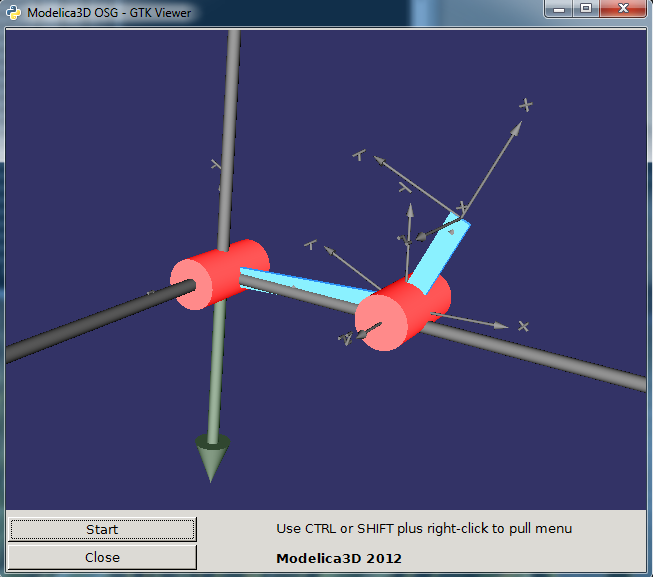
RR elbow down
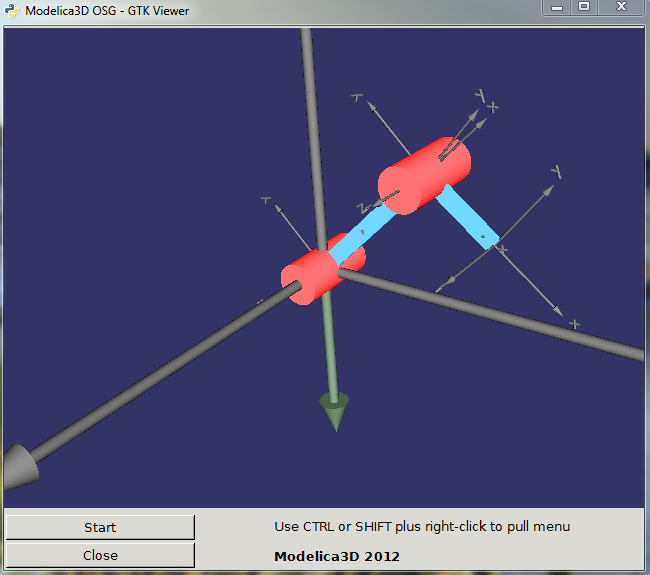
RR elbow up
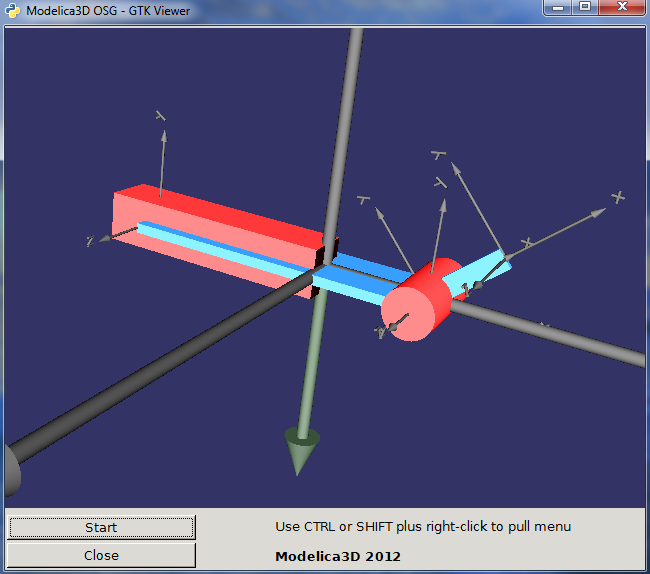
PR
Generated at 2026-04-14T18:18:34Z by OpenModelicaOpenModelica 1.26.3 using
GenerateDoc.mos
 .Servomechanisms.Utilities.Visual3d